WindNav
User Interface Design
2024

Overview
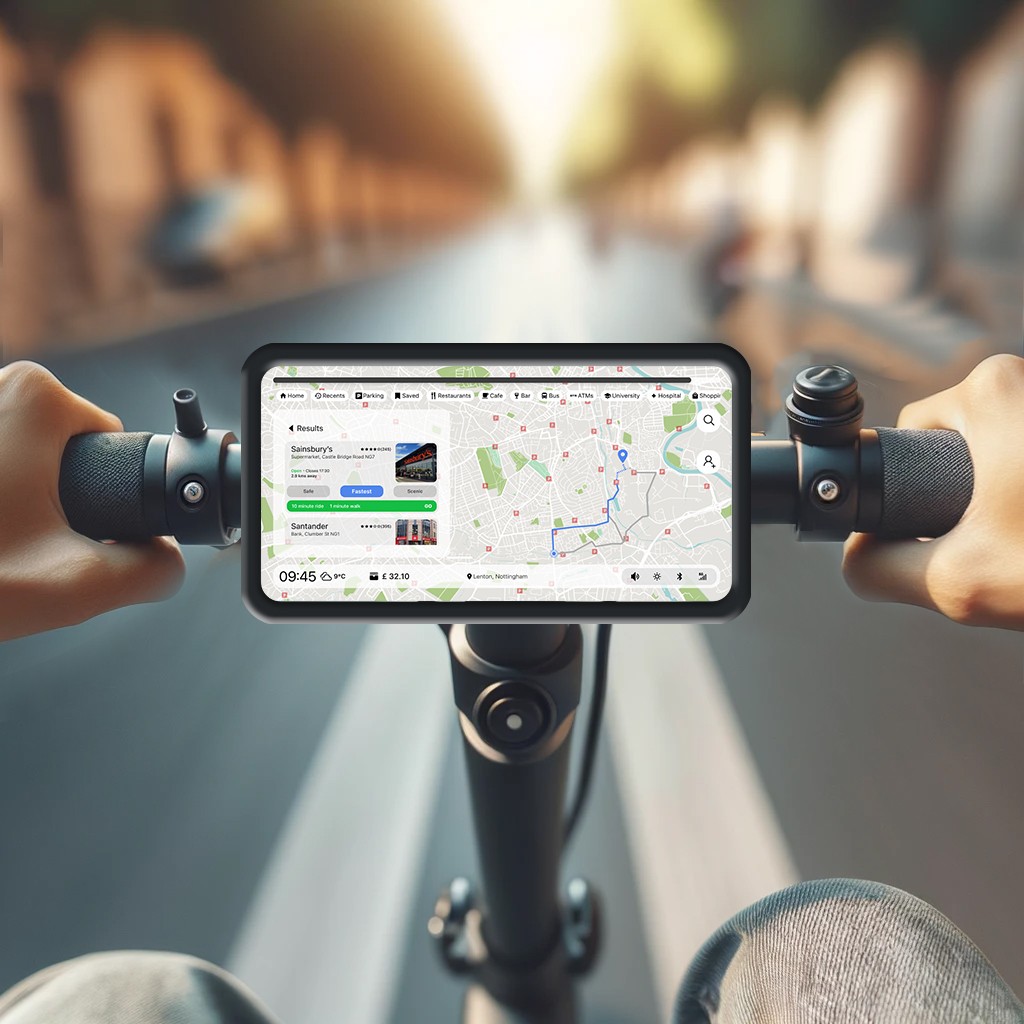
User research revealed that most e-scooter riders rely on their smartphones for navigation, which often requires them to stop mid-ride, retrieve their phones, and check directions. This interrupts the flow of travel and can be unsafe, especially in unfamiliar urban environments. To address this, we proposed a built-in GPS navigation system mounted directly on rental e-scooters to support safer, more efficient commuting.
Results
We developed an interactive touchscreen device with real-time GPS navigation, booking support, safety tips, and battery status. Using Google Maps API and a filter-based search UI, iterative testing led to a 70% reduction in task completion time, improving speed and usability for riders.
Potential Users
Understading the Target Audience
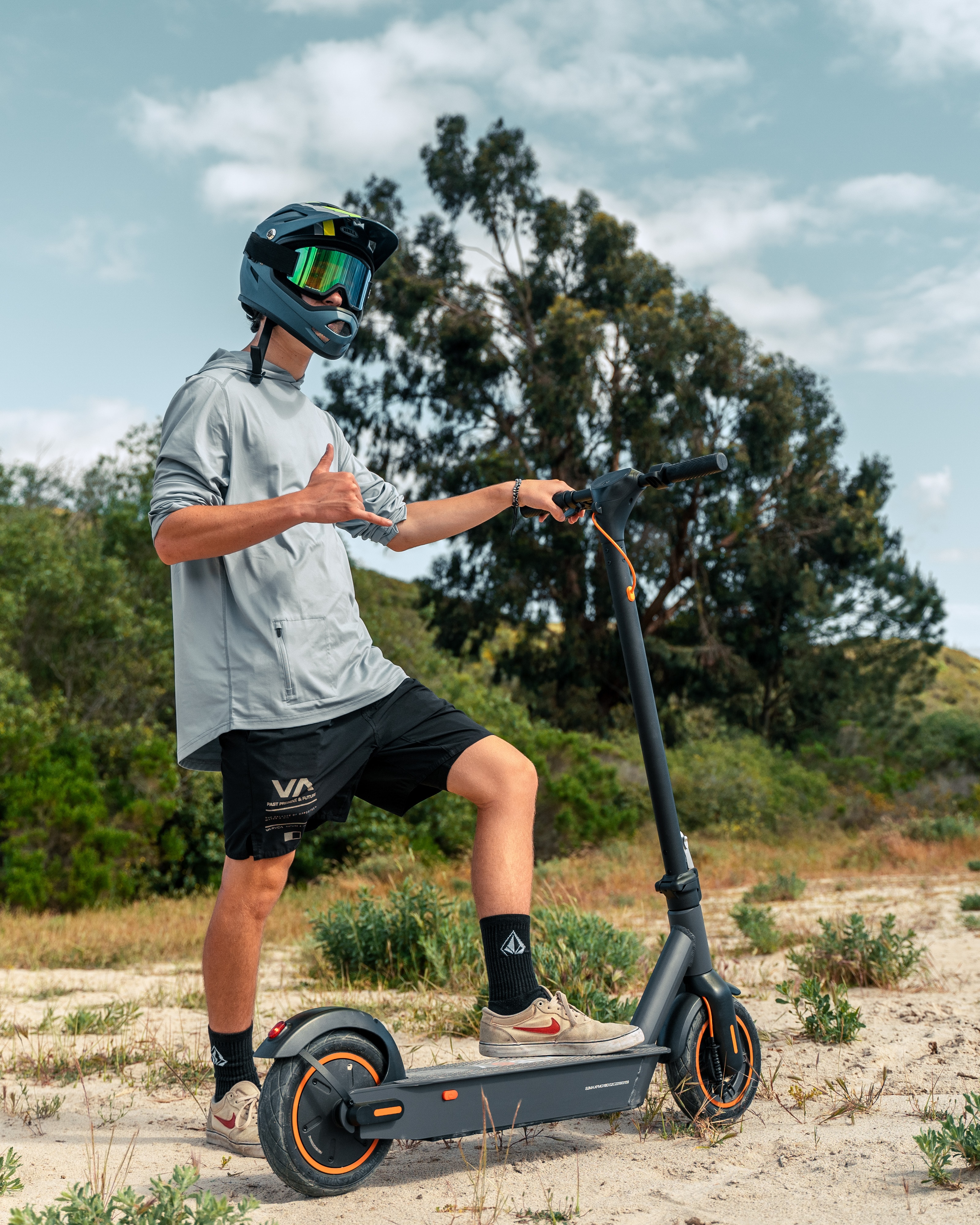
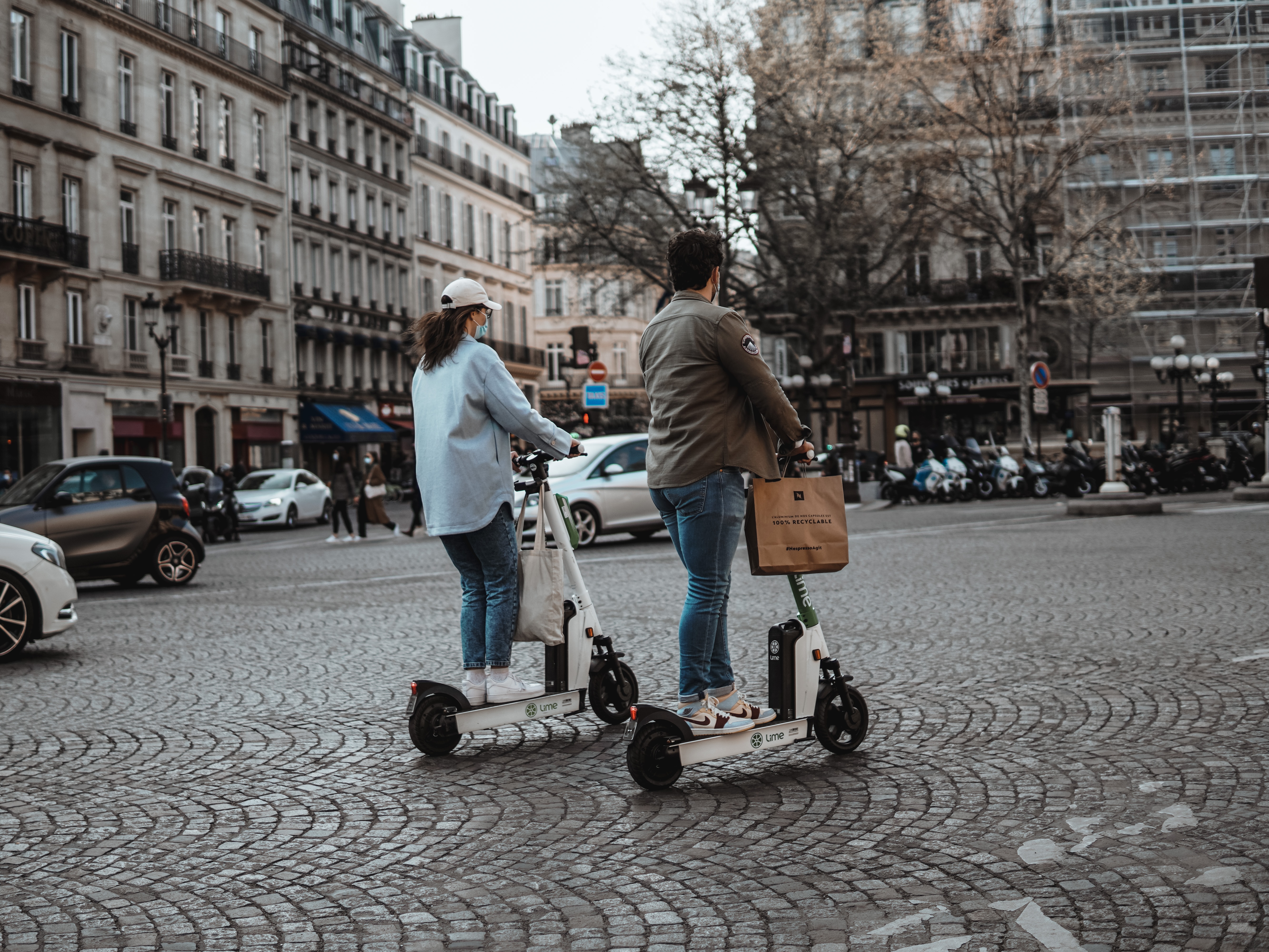
Who are the users?
Tourists
Students
Daily Commuters
Social Riders - groups of friends casually exploring the city
Common use cases
Traveling to university or college
Finding an alternative route when public transport (bus/tram) is delayed
Exploring local attractions or neighborhoods
Making short trips for errands or social meetups
Reducing travel costs by avoiding taxis or ride-shares
Problem Statement
User Research
Context of Use Analysis
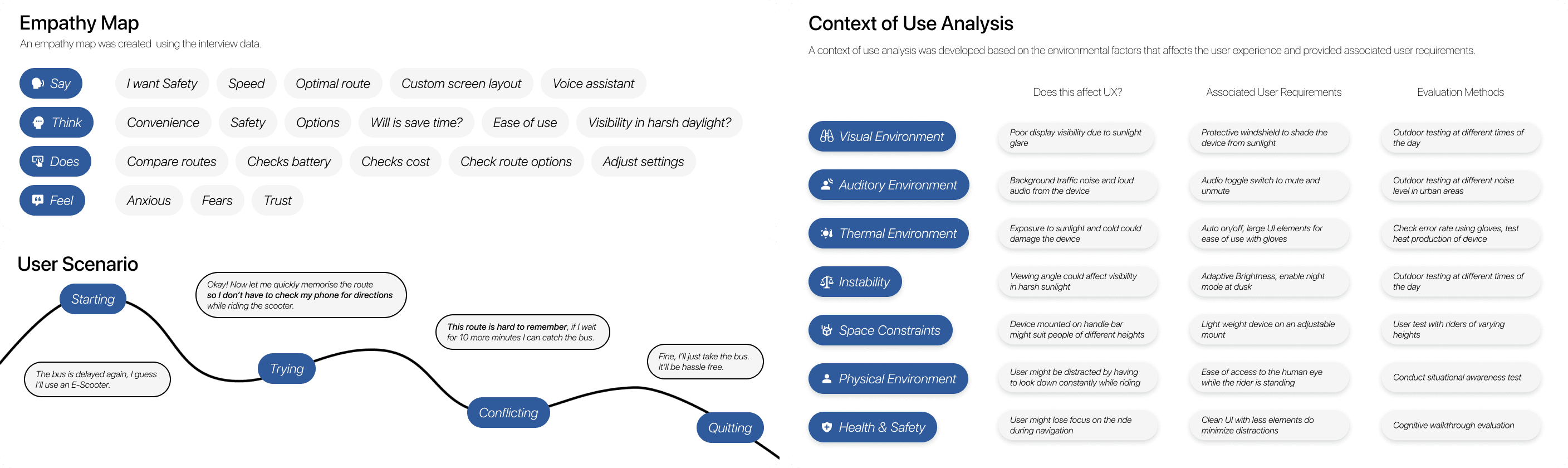
We conducted interviews with users to explore their navigation experience while riding e-scooters—focusing on how they navigate, how often they rely on devices, and the challenges faced in different weather conditions.
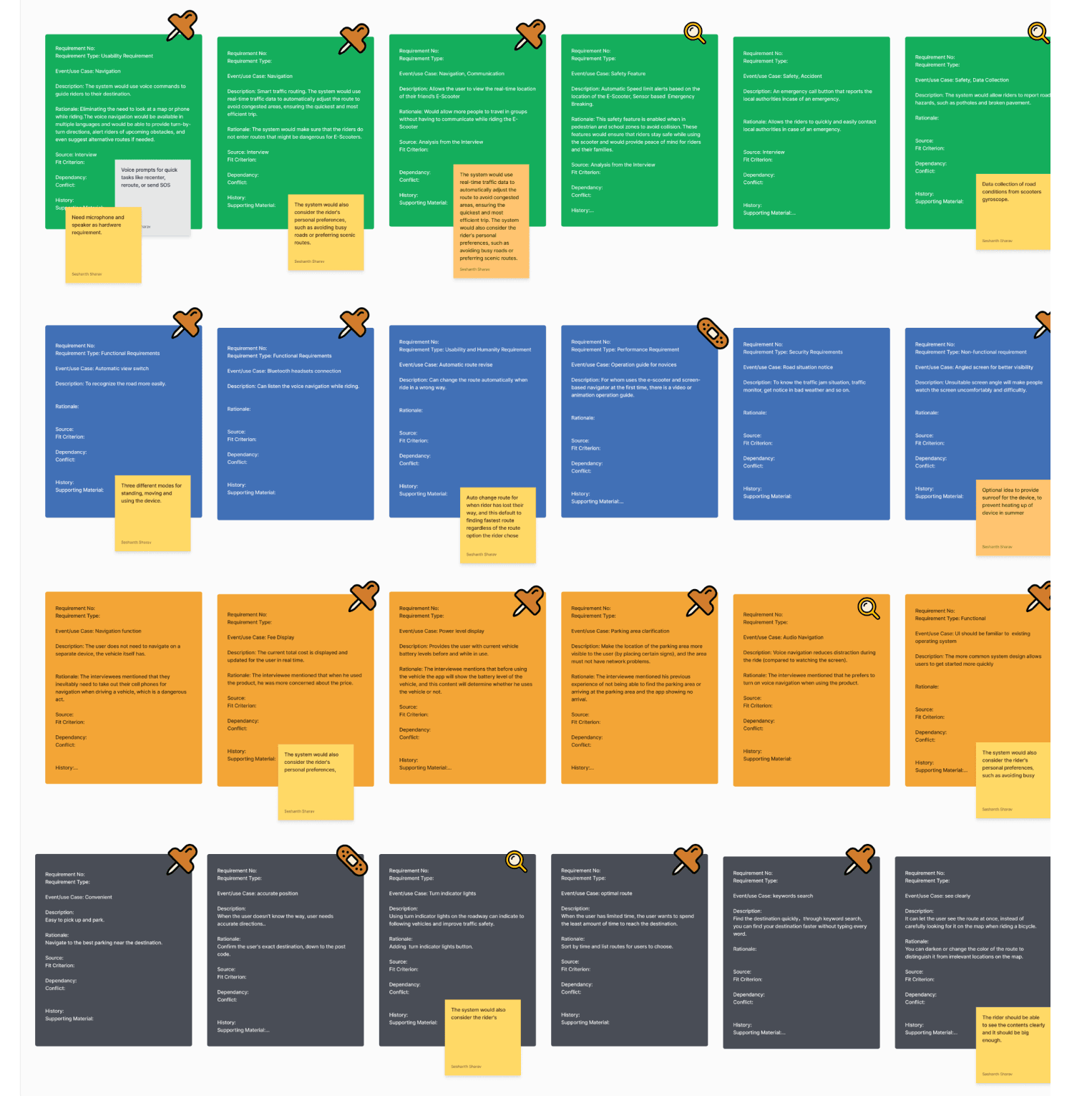
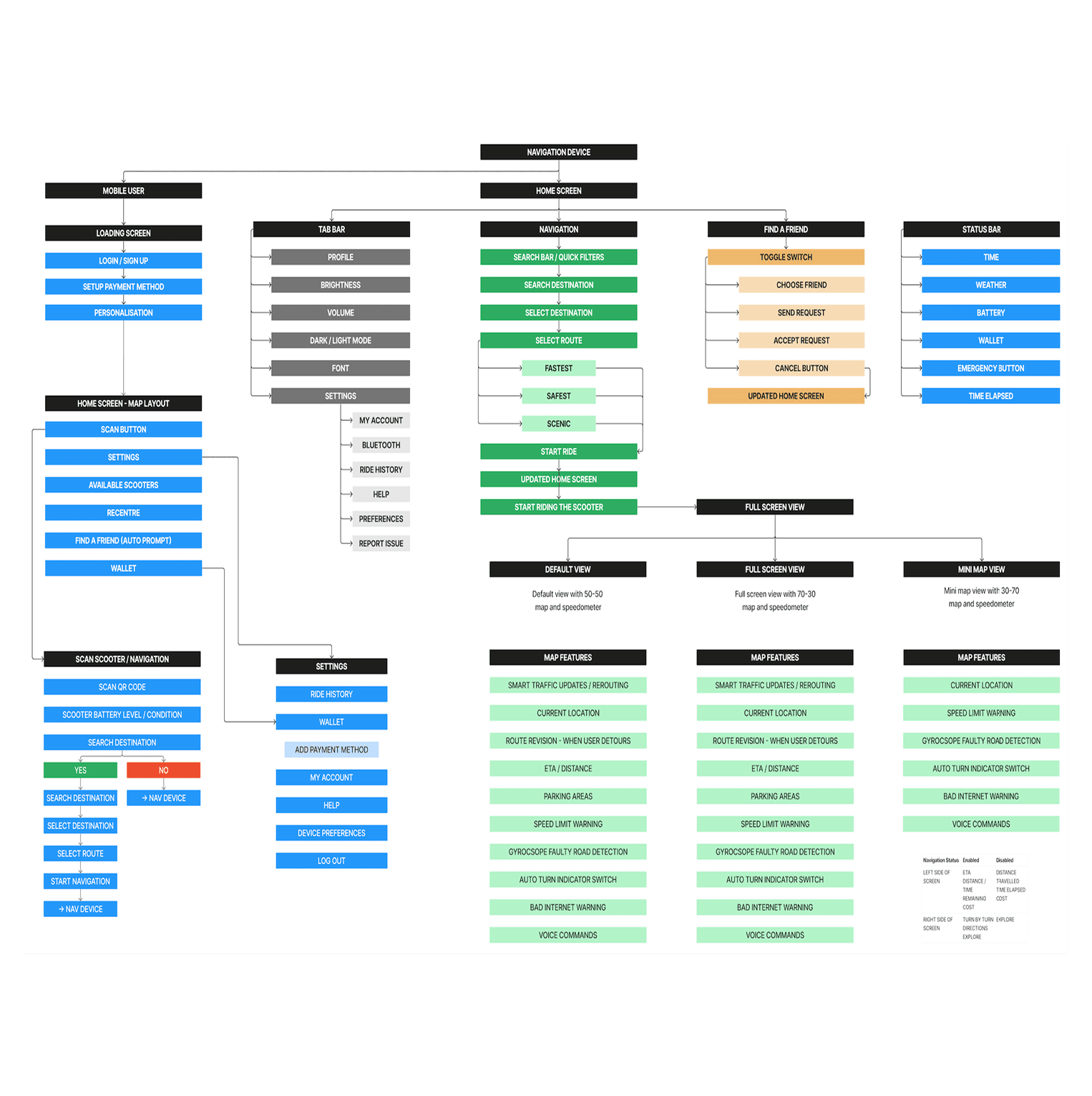
These questions helped us analyze the context of use and identify key user requirements such as ease of access, route clarity, and safe interaction. Each requirement was then supported with rationale, sourced from user input, and prioritized based on user needs and team discussions to guide the design process effectively.
User Pain Points
Navigating Cities

User interviews revealed several recurring pain points that highlight the challenges of navigating while using an e-scooter. These insights helped us define core user needs and shape the direction of our design decisions.
01
Difficulty using phones for navigation: Riders must stop and take out their phones to check directions, which is disruptive and especially inconvenient in bad weather.
02
Challenge in memorizing routes: Users often forget directions after a quick glance at their phones, leading to multiple stops and a disjointed ride.
03
Uncertainty about safe routes for e-scooters: Many are unsure which paths are safe or legal, especially when crossing large intersections without dedicated lanes.
Final Designs
Design Strategy
Iterative Design

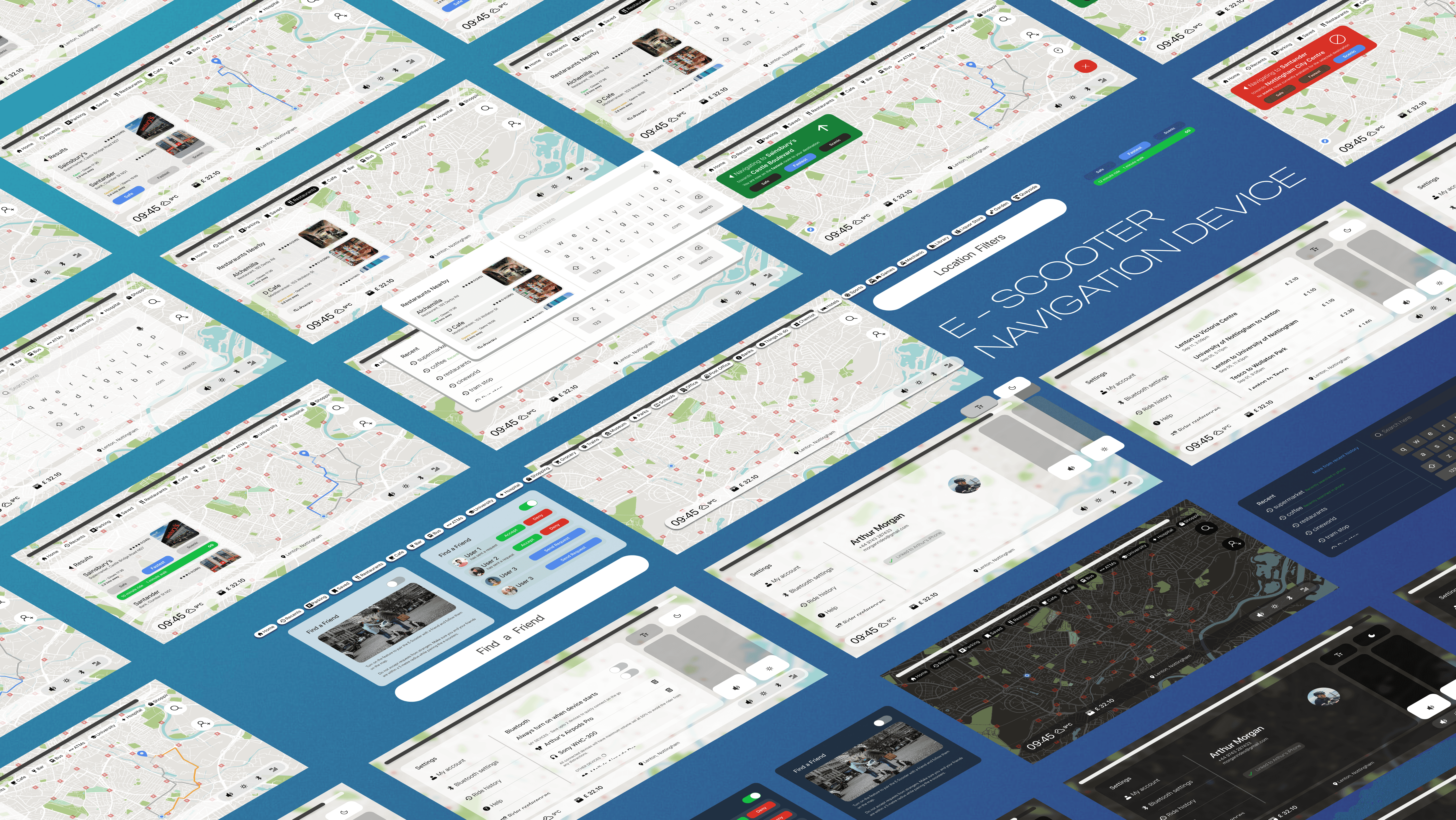
WindNav Version 2 is a navigation device that features an improved search and navigation UI, along with a streamlined map design. It integrates seamlessly with the Google Maps API and follows the Google’s Material Design guidelines.
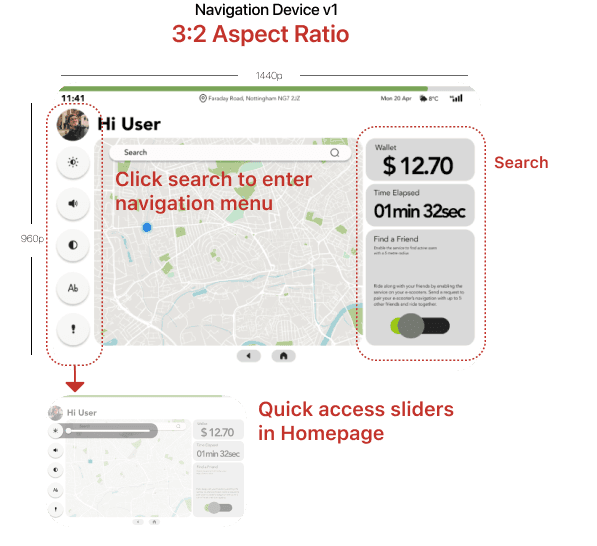
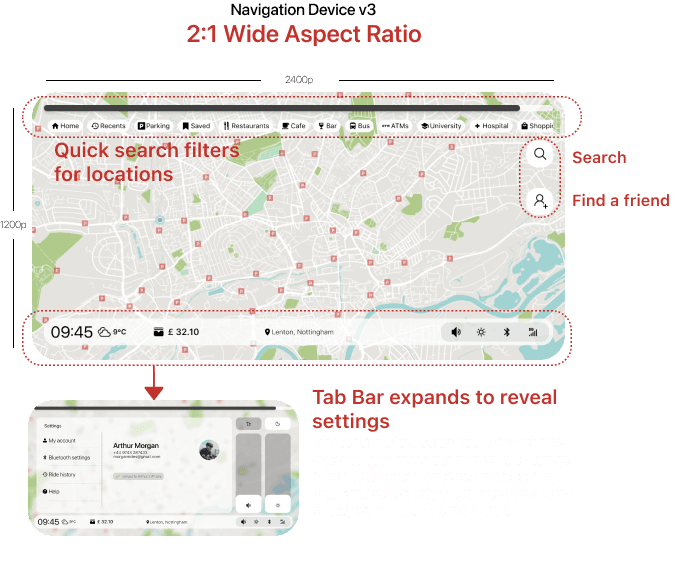
Navigation device v1 was our first novel attempt at creating a user interface for the product. Initial feedback and criticism from the usability study took us back to the drawing board twice to solve issues with accessibility and overall time taken to complete the task.
Design
Search UI

The search interface supports a familiar QWERTY keyboard and voice input for flexible destination entry. Smart filters let users narrow results by distance or category such as cafes or landmarks. Recent searches appear by default to enable quick access to frequent destinations.


Users can preview routes directly in the search results without leaving the screen. This reduces the need to switch contexts, streamlining the navigation process. The combination of input options and filters makes finding destinations faster and more intuitive.
Design
Map Design
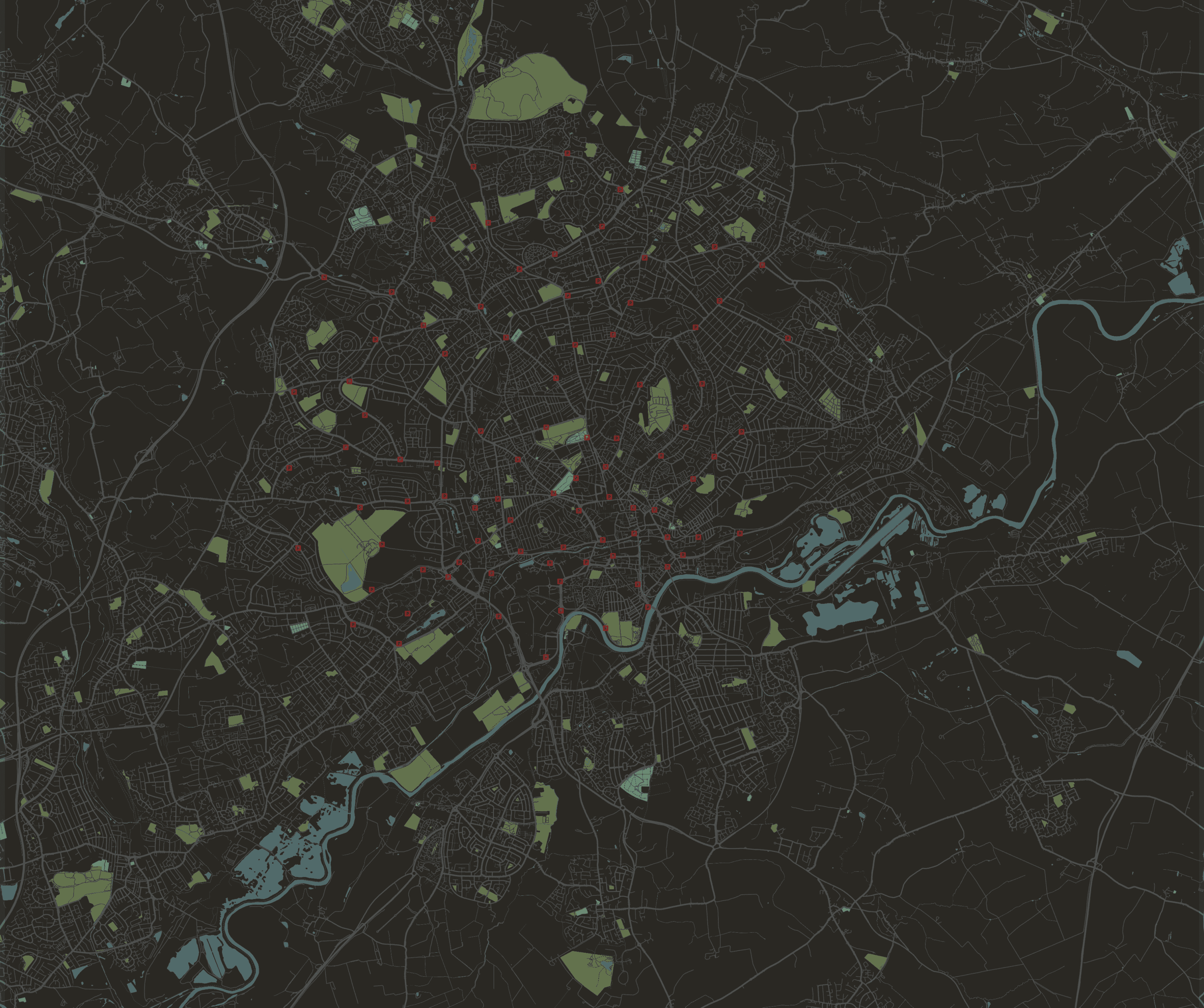
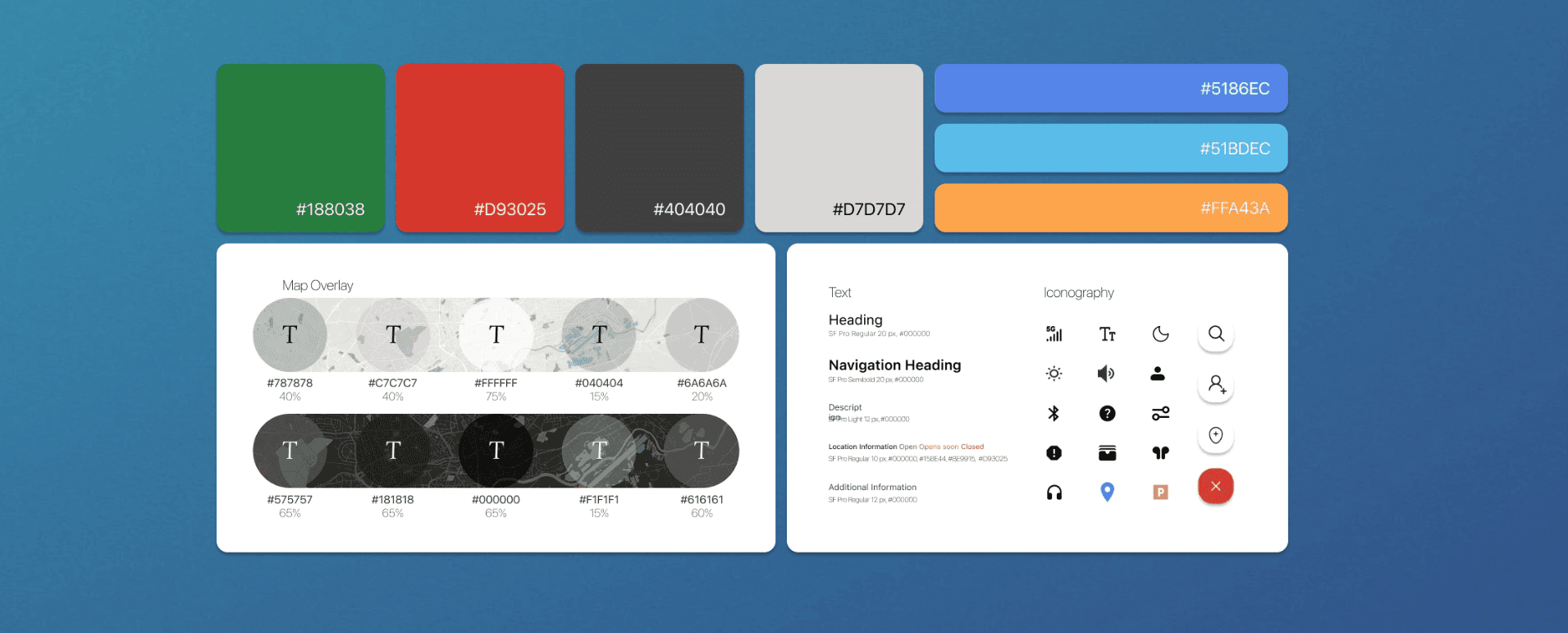
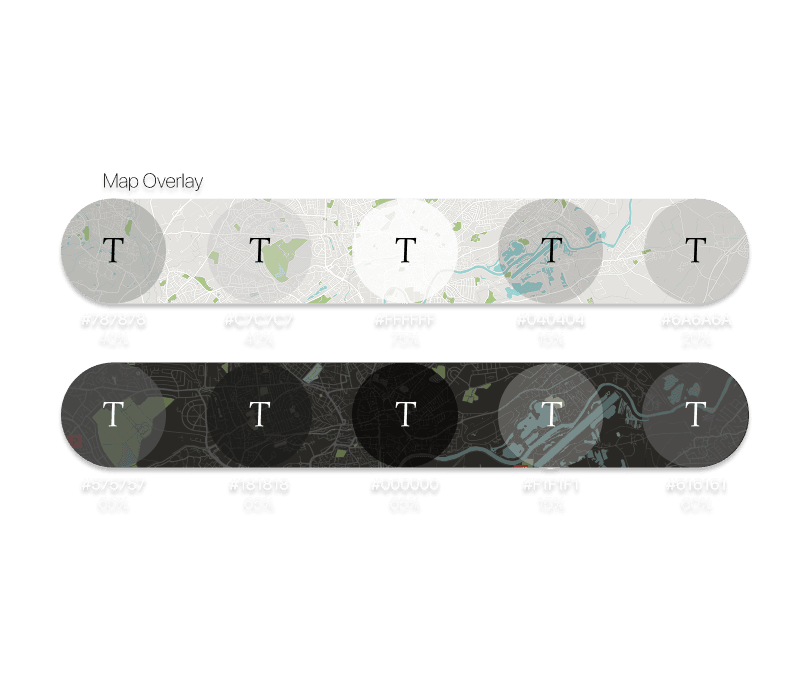
The map features a clean, minimal design with visual cues for greenery and water to aid orientation. Light Mode offers high-contrast routes for daytime use, while Dark Mode uses softer colors to reduce eye strain at night. Both modes ensure the map is easy to read in varying light conditions.
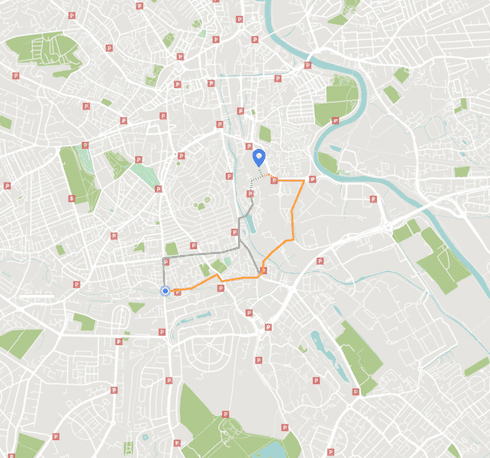
Routes are tailored for e-scooters, highlighting scenic and safe paths marked by other users. These options help riders avoid busy intersections and high-traffic areas.
Design
Navigation UI

Users can preview multiple route options within the search results, with maps loading in the background for speed. Travel time estimates and alternate routes update in real-time, and the menu shrinks to show only essential info during navigation. This keeps the interface simple and informative while riding.


The Find a Friend feature enables real-time location sharing and syncing of destinations among connected users. This supports group rides and enhances safety for parents tracking younger riders.
Design
Accessibility

The device places key controls like brightness and volume within easy reach for quick adjustments during short stops. Left-Handed Mode mirrors the UI to the right side, improving comfort for left-handed users. All interactions are designed for single-handed use to keep the experience safe and efficient.
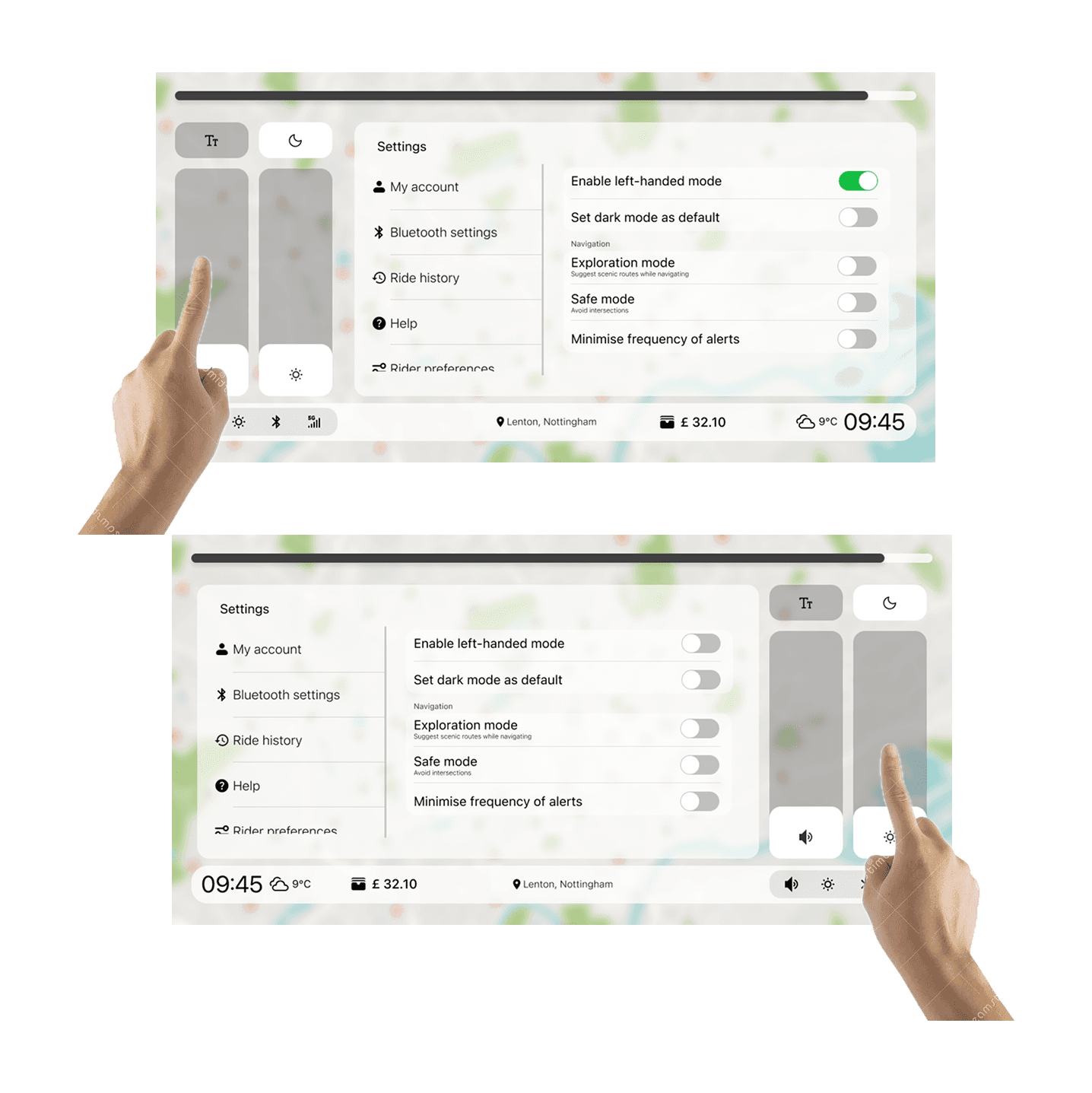

Users can easily operate the system with one hand, reducing distraction and maintaining balance on the scooter. The font size toggle is placed in the quick settings. It allows users to stay focused on their ride while managing essential settings.
Outcome
Enhanced Accessibility and Efficiency: Achieving a 70% Faster Navigation Experience
The development of WindNav Version 2 significantly enhanced accessibility features, making the device easier and safer to use for all riders. Additionally, iterative design improvements led to a 70% reduction in task completion time compared to the previous version. These advancements resulted in a faster, more intuitive navigation experience that better meets user needs.