WindNav
User Interface design for a GPS navigation device that allows e-scooter riders to safely navigate and choose destinations on the go..
Tools used




Project Brief:
A GPS navigation device for a rental e-scooter – a screen-based system mounted on an e-scooter to provide users (aged 18+) with navigation information via GPS as well as booking assistance, safe usage information, and battery life.
Project Type:
Completed at University of Nottingham as a part of the Human Computer Systems module during the MSc HCI programme.
Duration:
3 months
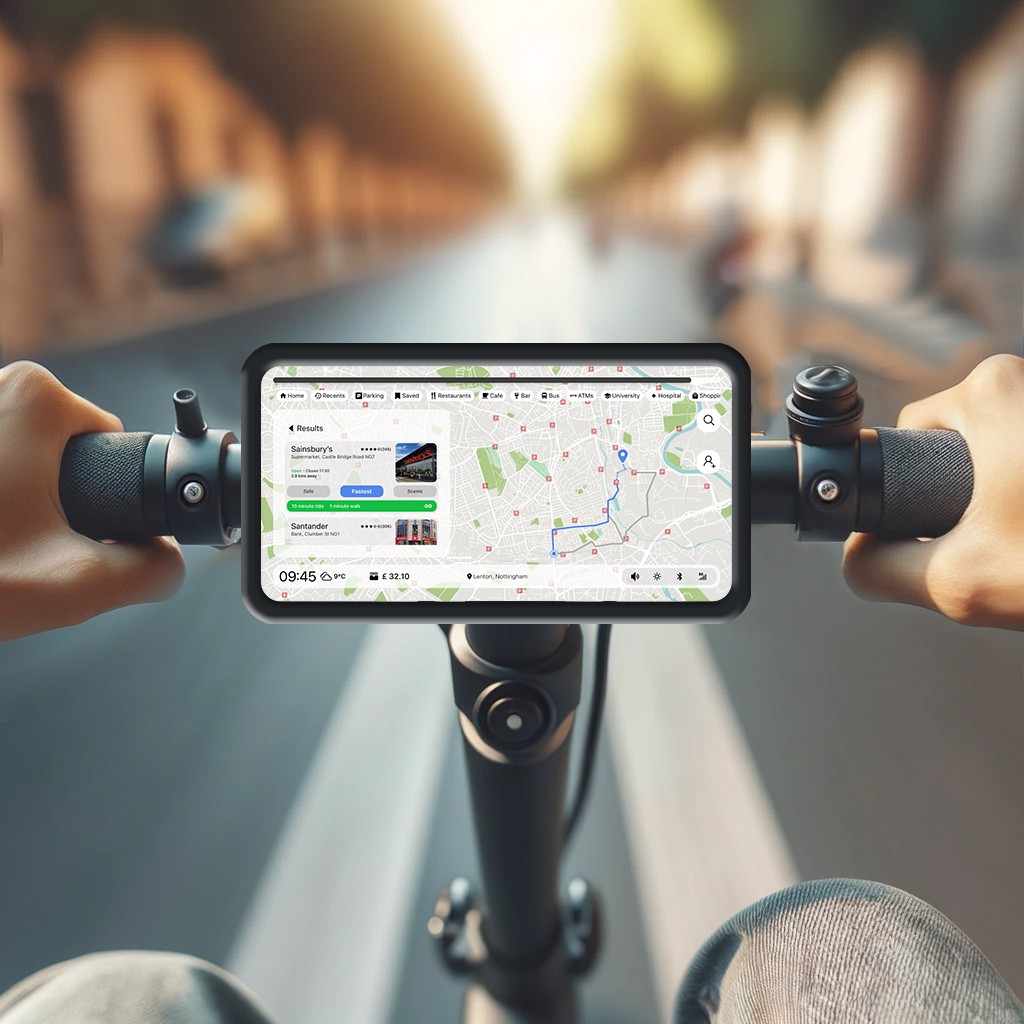
Initial problem discovery.
The need for a navigation device?
Among the various forms of urban transport, navigating while riding the e-scooter is the most challenging.
A majority of the interviewed participants reported using their phone to navigate while riding an e-scooter. This requires them to halt the scooter on the side of the road and take their phones out of their pockets to navigate.
Since most e-scooter users are people who are new to the city and they don't have other modes of viable transportation apart from e-scooters.
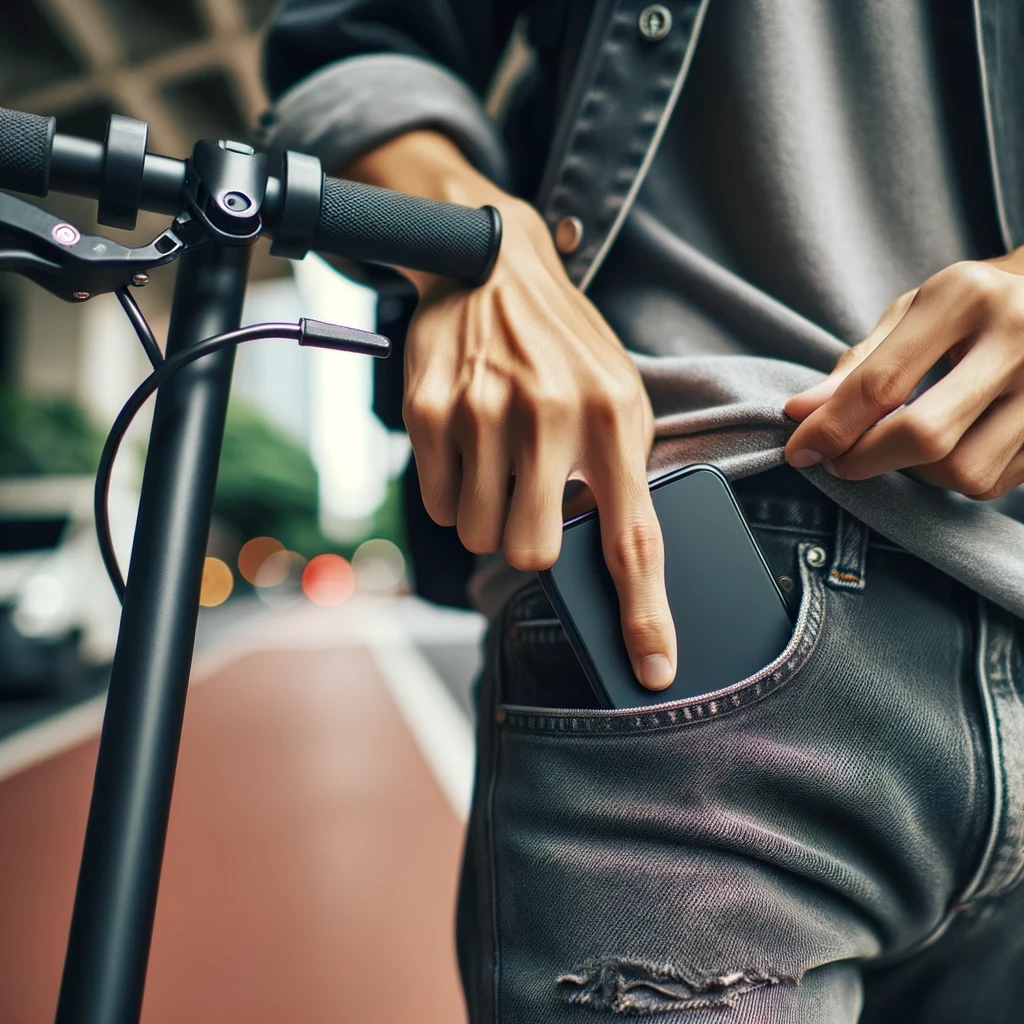
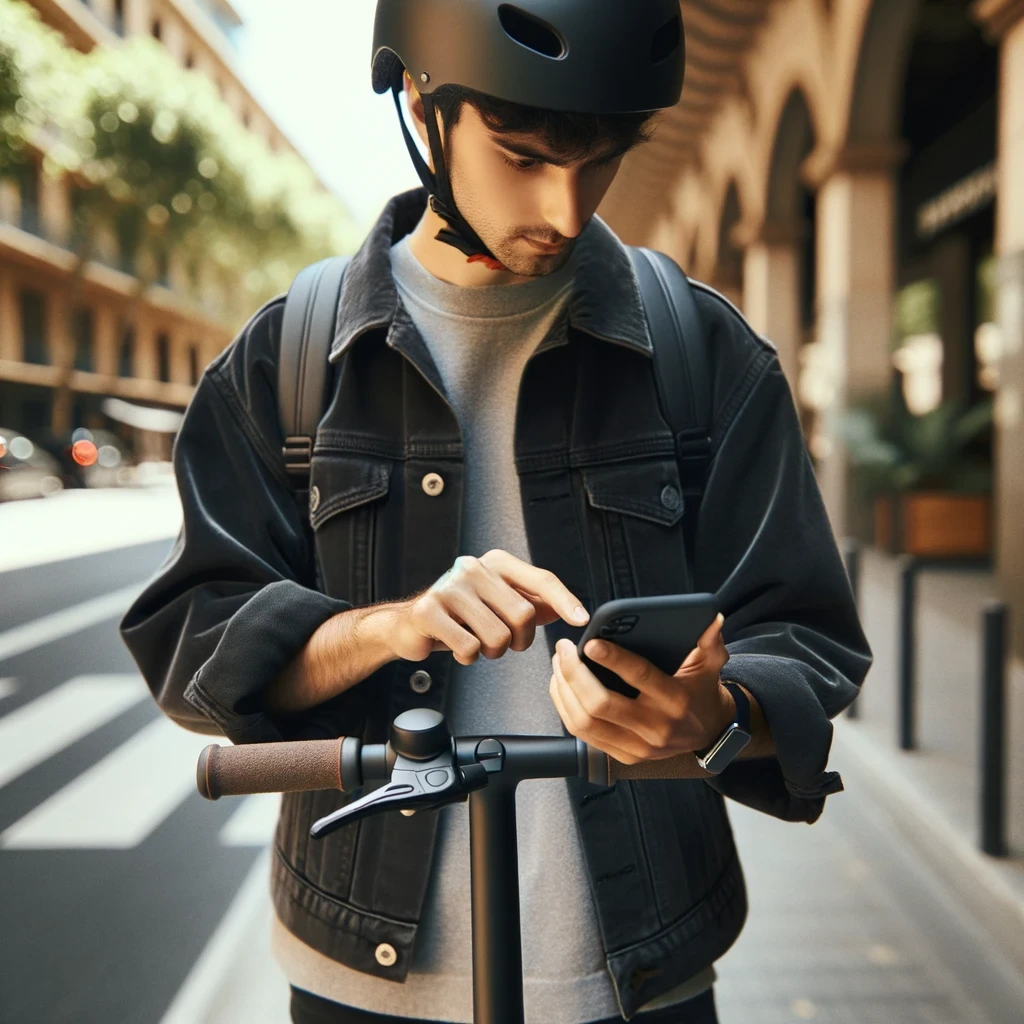
User interviews.
Understanding the Factors.

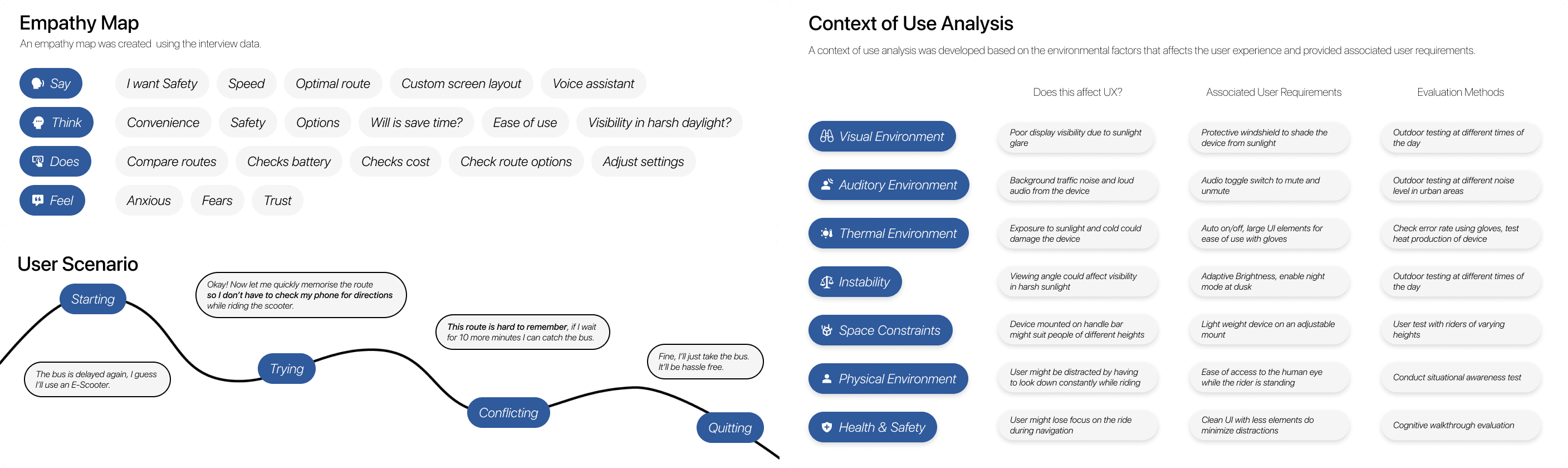
User requirements.
Designing the product from scratch.
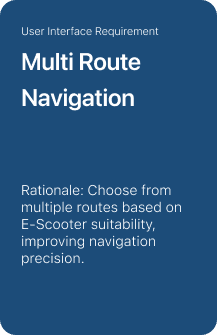
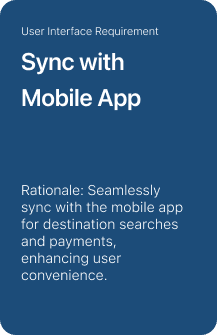
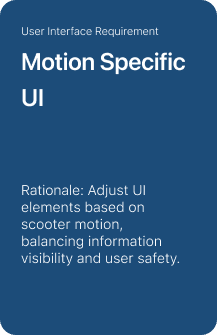
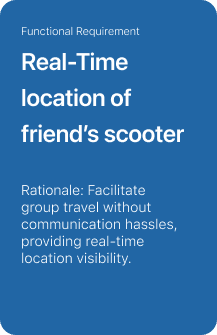
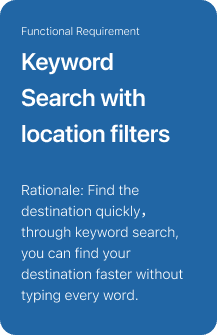
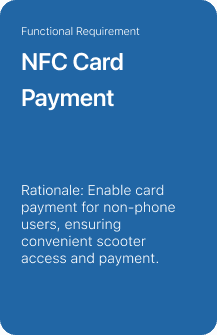
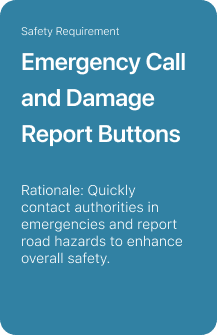
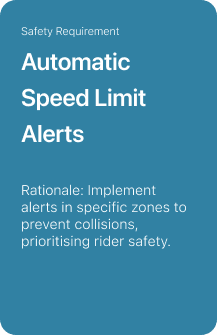
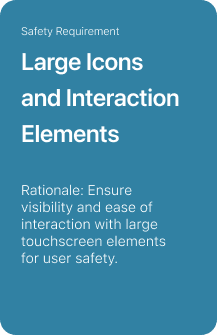
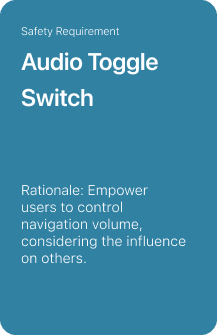
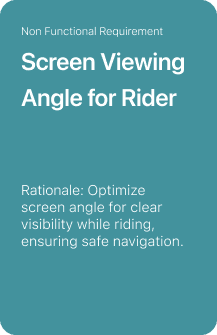
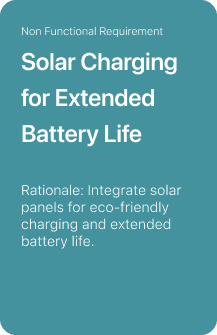
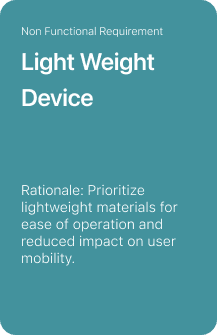
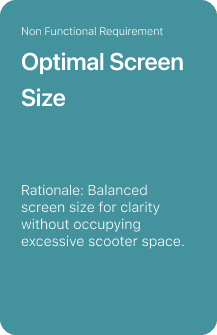
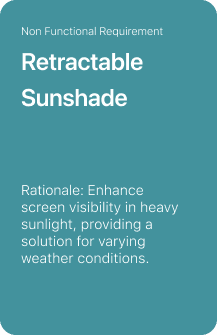
An initial draft of 43 user requirements were further narrowed down to 26 requirements which were implemented in the design of the navigation device.
We have described user requirements, considered how to address them, provided the rationale for each requirement to understand why it is needed, identified the sources of requirements to better understand customer needs, and assigned priority levels to each requirement.

Material design.
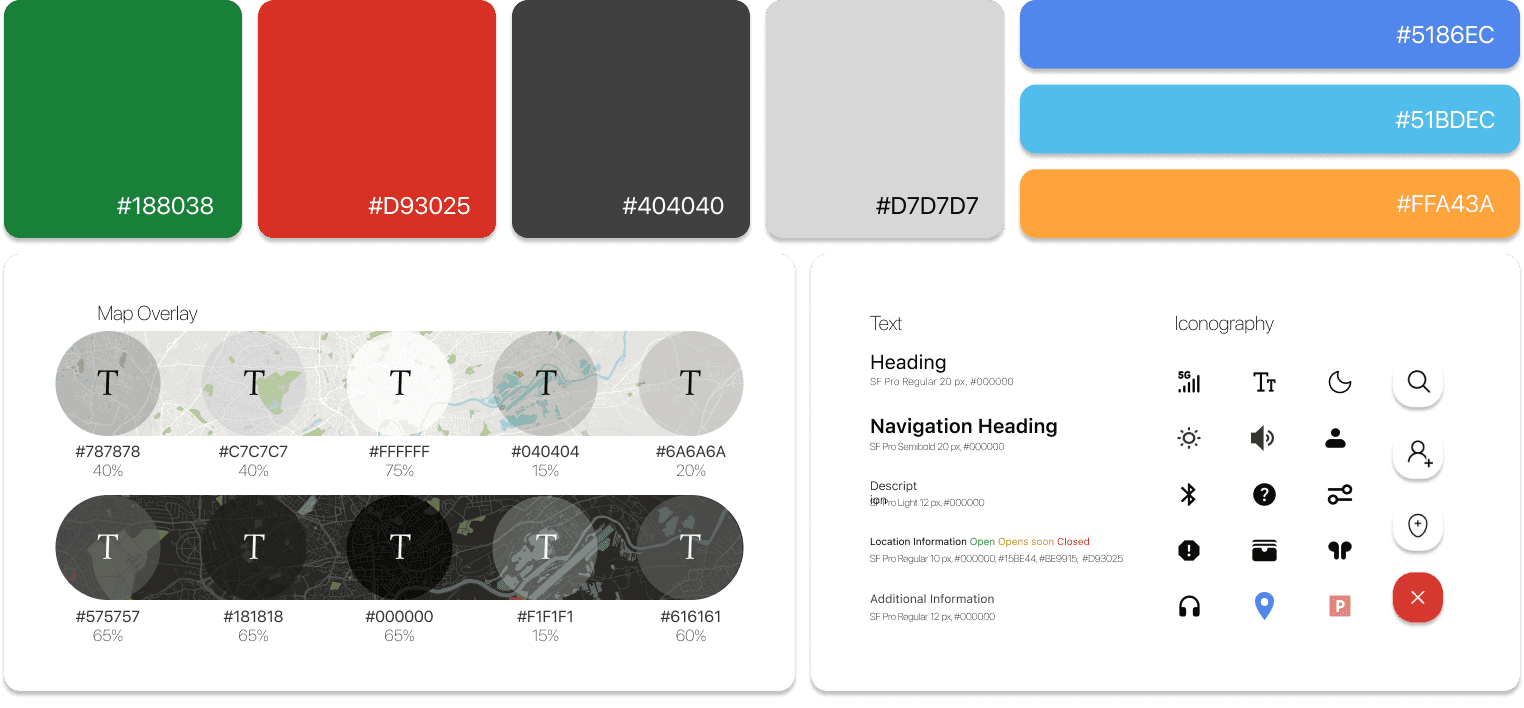
Creating a design system.
Design iterations.
Design Improvements.
Navigation device v1 was our first novel attempt at creating a user interface for the product. Initial feedback and criticism from the usability study took us back to the drawing board twice to solve issues with accessibility and overall time taken to complete the task.
To know more about the design iterations it took to arrive at the final product, view the detailed project report on Behance.
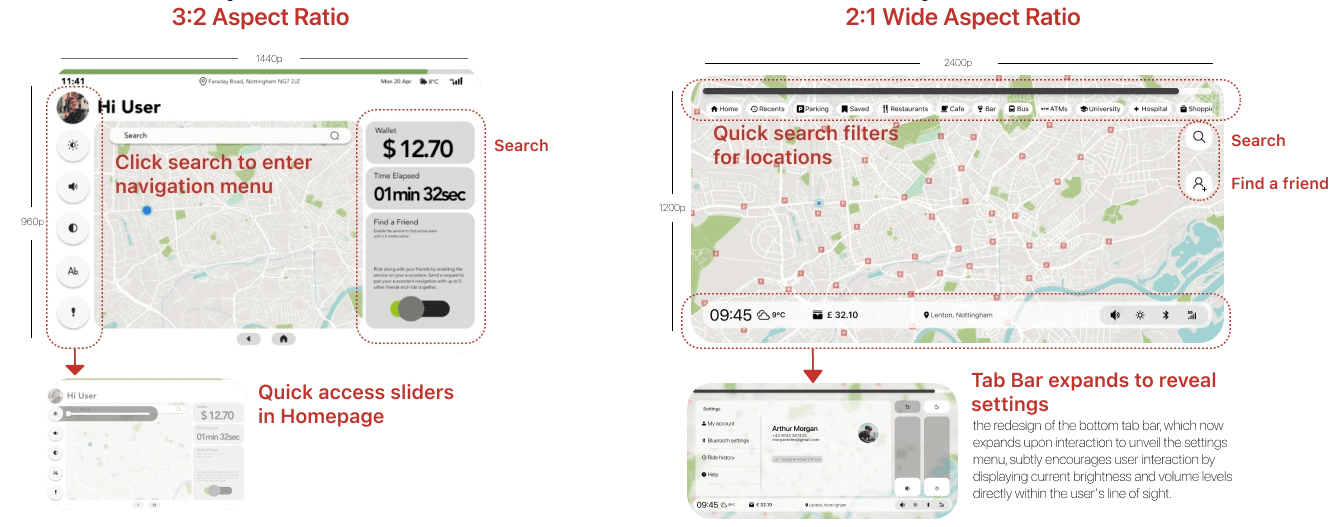
High-fidelity prototyping.
Final designs.
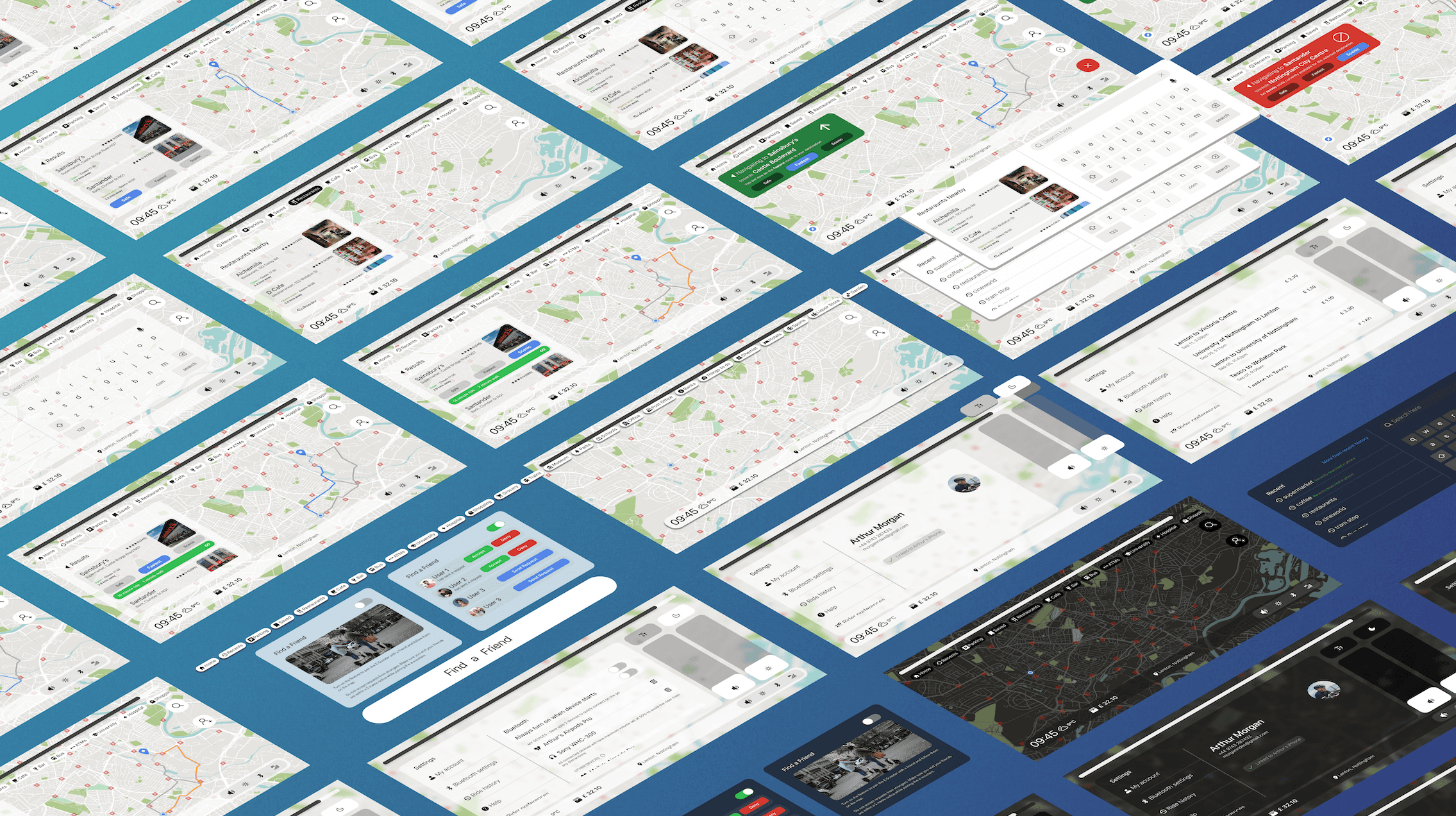
Power of familiarity.
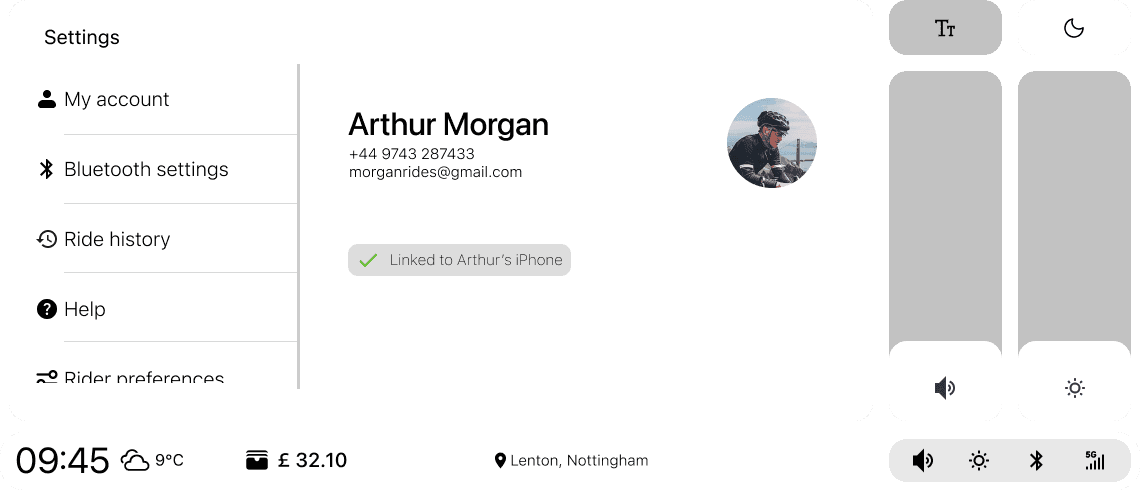
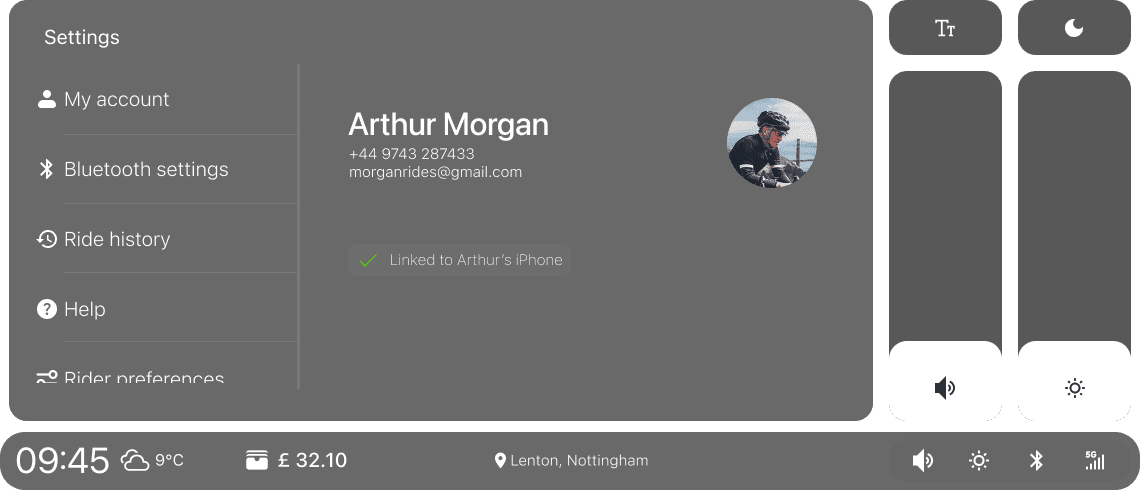
The design utilises user interaction patterns familiar to users of mobile operating systems.
This design integration not only improves the accessibility and visibility of device settings but also promotes a more intuitive user experience by ensuring essential controls are readily accessible.
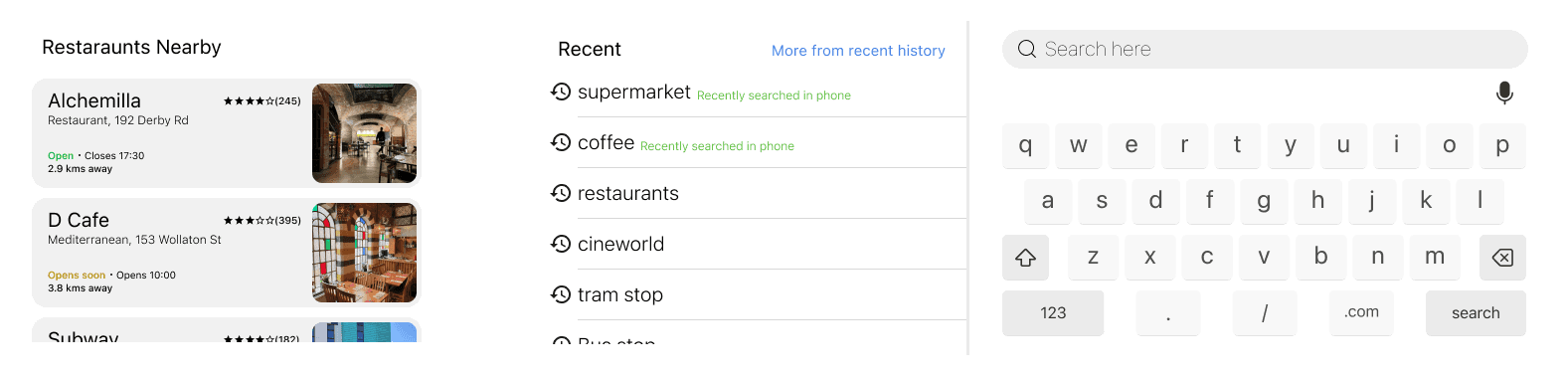
Search results (Output).
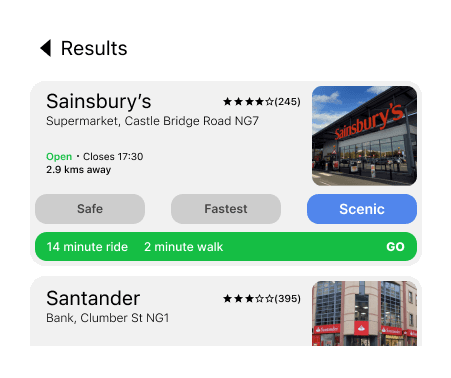
The search results output tab provides key information needed for the user to select the destination of their choice. The user can view the route of the journey by tapping on the destination without having to leave the result tab.
Keyboard Layout (Input).
A familiar QWERTY layout is used as the primary input with a provision for voice input to search the name of the destination. The left side of the menu acts as the result tab with recent searches available as default.
Search destinations within filters.
The search filters were incorporated into the Home Screen of the device to allow users to efficiently execute the primary task. The search filter can be applied to search a new destination to be added to an existing search result to further refine options. And all this is possible in a single window, making the search experience more intuitive.
Route selection.
Route selection while choosing destination.
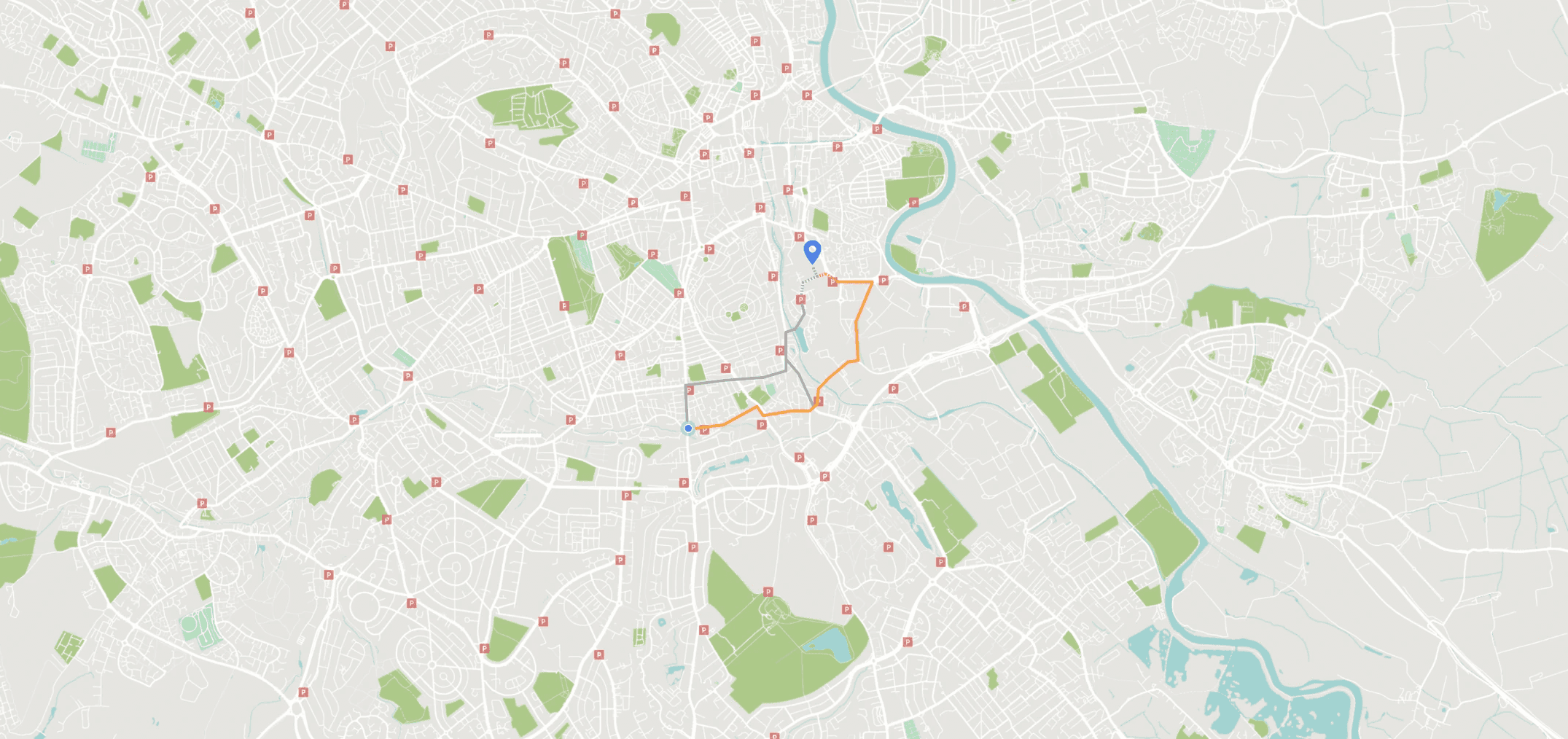
The user can quickly preview the routes available for every destination in the search result. The map is loaded in the background to minimise loading times. The menu overlays also ensures the user can perform these tasks without having to go back to a different screen to view routes for other destinations.
Route selection while navigating.
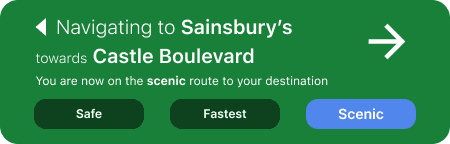
While navigating, the result tab shrinks to only show important information to guide the users travel, with additional options to change the route the user wishes to take.
Choose between Fastest, Safest & Scenic routes.
Route options are a key feature available to electric scooter riders as part of the journey is the destination. Users can choose to take scenic routes marked by other users as favourites. Apart from making the journey more enjoyable, this also provides users with a safest option that bypasses large intersections and zones with high traffic.
Home Screen and customisations.
Light mode.
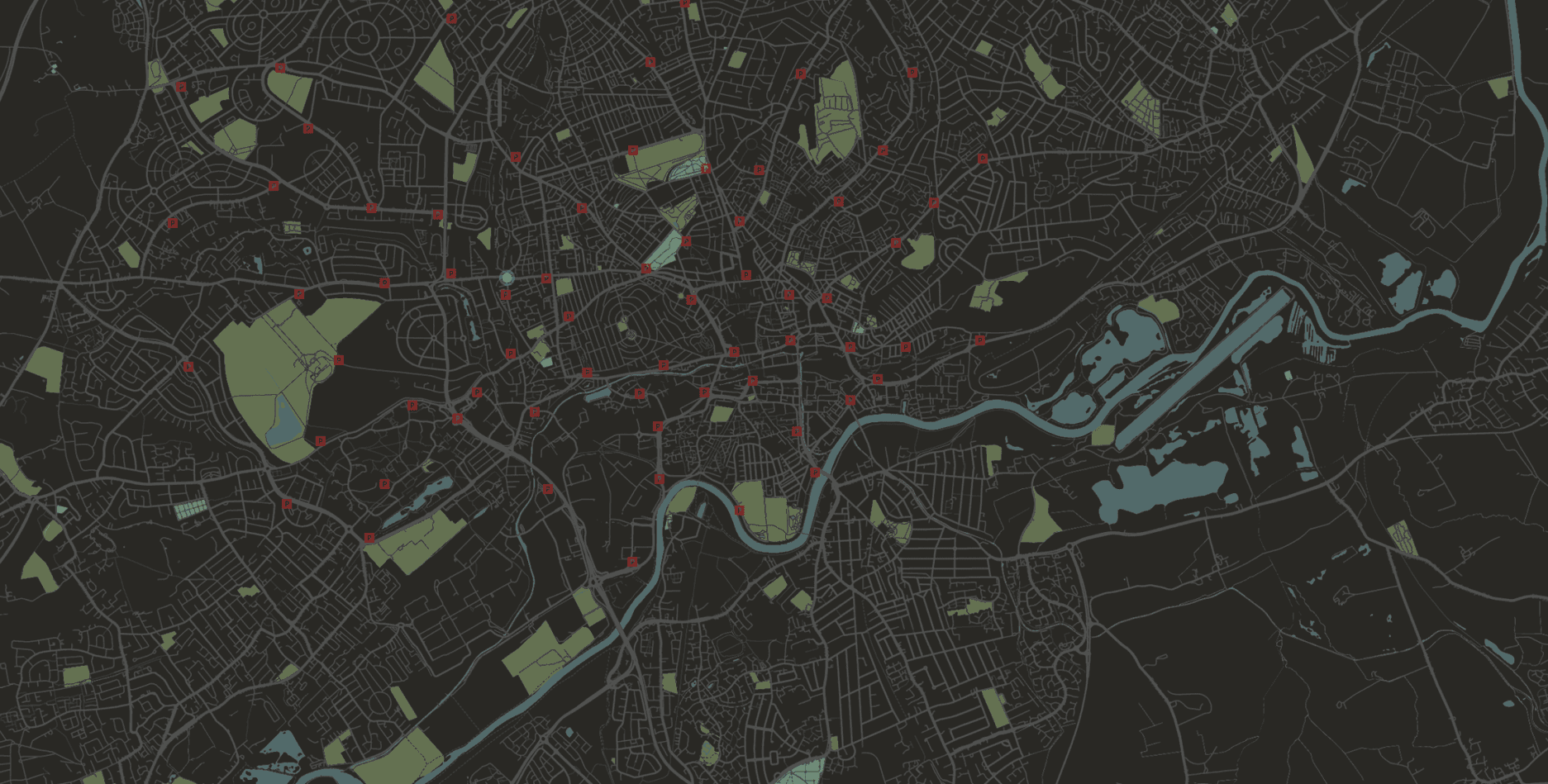
Scooters can be rented at any time of the day and it was important to optimise the user interface to feel comfortable to view at any hour. The light mode features a minimal map design with visual cues to vegetation and water bodies. This allows the user to visually focus on the route, even of only able to view the map for a split second while riding the scooter.
Dark mode.
The dark mode adopts a similar map layout. The colours for the roads were chosen to be lighter than traditional maps to minimise irritation to the eyes at night, A relatively small display with high pixel density that contains bright lights in concentrated zones can be jarring to the viewer, especially at night. The contrast ratio of the overlayed menu and map make it ideal to use at daylight as well.
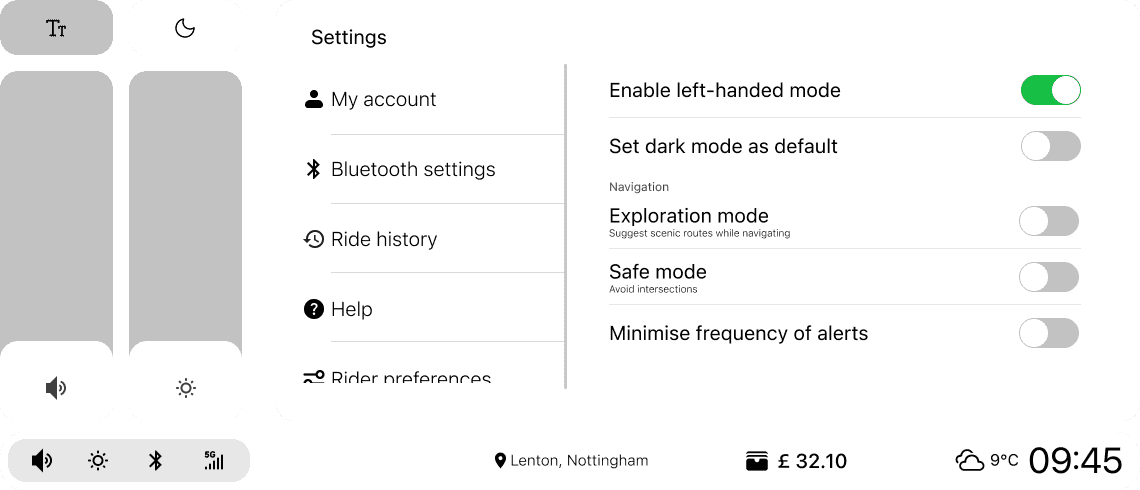
Don't forget, southpaws make up 10% of the world population.
One of the key accessibility features of the device is the Left-Handed Mode, which allows users to inver the UI from left to right. The main icons and quick controls to adjust volume, brightness are placed closer to the users hand to let them use the device while balancing the scooter. The ability to switch the placements of these buttons and control to the left make it easier for left-handed people to use the device.
Make it a social event, Find a friend.
Find a friend, view their location in real-time as you zip through the city. Fun? Right? Works like magic, works like airdrop. When stationary with a friend's scooter in close proximity, turn on the find a friend feature to send or accept invitation to track the users location. Destinations selected in one scooter is automatically shared to friends who are already connected.
The features also bring a new level of safety providing locations of one or multiple users to parents to make sure their kids travel safe.
About me.
Copyright 2024, Seshanth Sharav
All works displayed are my original creations and are protected by copyright law.